 ftpGrid menu
Persistent file storage for your applications, customers and partners
Cloud Storage with FTP Access
Store your business files in the cloud and access them using the protocols your systems already support. ftpGrid combines persistent file storage with FTP, FTPS, SFTP and SCP access.
Organize files in directories, exchange documents with customers and suppliers, and connect applications to a shared storage environment. Manage files through your browser or preferred file transfer client.
Use access controls, automatic cleanup, webhooks and cloud synchronization on supported plans to build storage workflows around your business. Paid plans start at €19/month.
File storage built for business workflows
Persistent file storage
Files and directories
Keep files available between transfers and organize them in a familiar directory structure.
Multiple access protocols
FTP, FTPS, SFTP and SCP
Access the same storage through supported protocols without maintaining separate copies for each integration.
Storage automation
Manage the file lifecycle
Use scheduled transfers, automatic cleanup rules and cloud synchronization on supported plans.
Controlled file access
Separate accounts and permissions
Use encrypted protocols for sensitive transfers and configure directory restrictions and access permissions on supported plans.
How cloud storage with FTP access works
Persistent storage, not just file transfer
FTP is a protocol for transferring files. Cloud FTP storage combines that protocol with a persistent storage environment. Uploaded files remain available after the connection closes, so another authorized user or application can retrieve them later. Files remain subject to deletion, configured cleanup rules and account retention policies.
File-based storage versus object storage
Applications that expect directory listings, filenames and file transfer commands can work directly with FTP file storage. Object storage services typically expose buckets, object keys and APIs instead. Both approaches are useful, but a file-based interface can simplify integrations with existing business systems.
| Feature | FTP file storage | Typical object storage |
|---|---|---|
| Organization | Files and directories | Buckets and object keys |
| Access | FTP, FTPS or SFTP clients | Object storage APIs and compatible tools |
| Common workloads | File exchange and existing integrations | API-driven applications and object repositories |
Organize storage around business partners and applications
Create separate directories for incoming files, outgoing documents and processed data. For example, an accounting integration can upload invoice exports to an outgoing directory while a partner retrieves them using a separate account. Directory restrictions and read-only or read-write permissions on supported plans help limit access to the files each integration needs.
Access the same files using different protocols
An existing application can use FTP or FTPS while another system accesses the same storage using SFTP. For sensitive data, choose FTPS or SFTP rather than unencrypted FTP. Users can also manage files in the ftpGrid browser interface. Learn more about cloud storage with SFTP access if SSH-based transfers are your primary requirement.
Automate file retention and processing
Storage workflows often need more than uploads and downloads. Automatic cleanup rules can remove files according to configured retention settings. Webhooks can notify applications of file events, and REST API access can support programmatic file management. Cloud synchronization can exchange files with supported external storage services. Availability depends on your plan. Review cleanup and synchronization settings carefully before enabling automated deletion.
Choose storage capacity for your workload
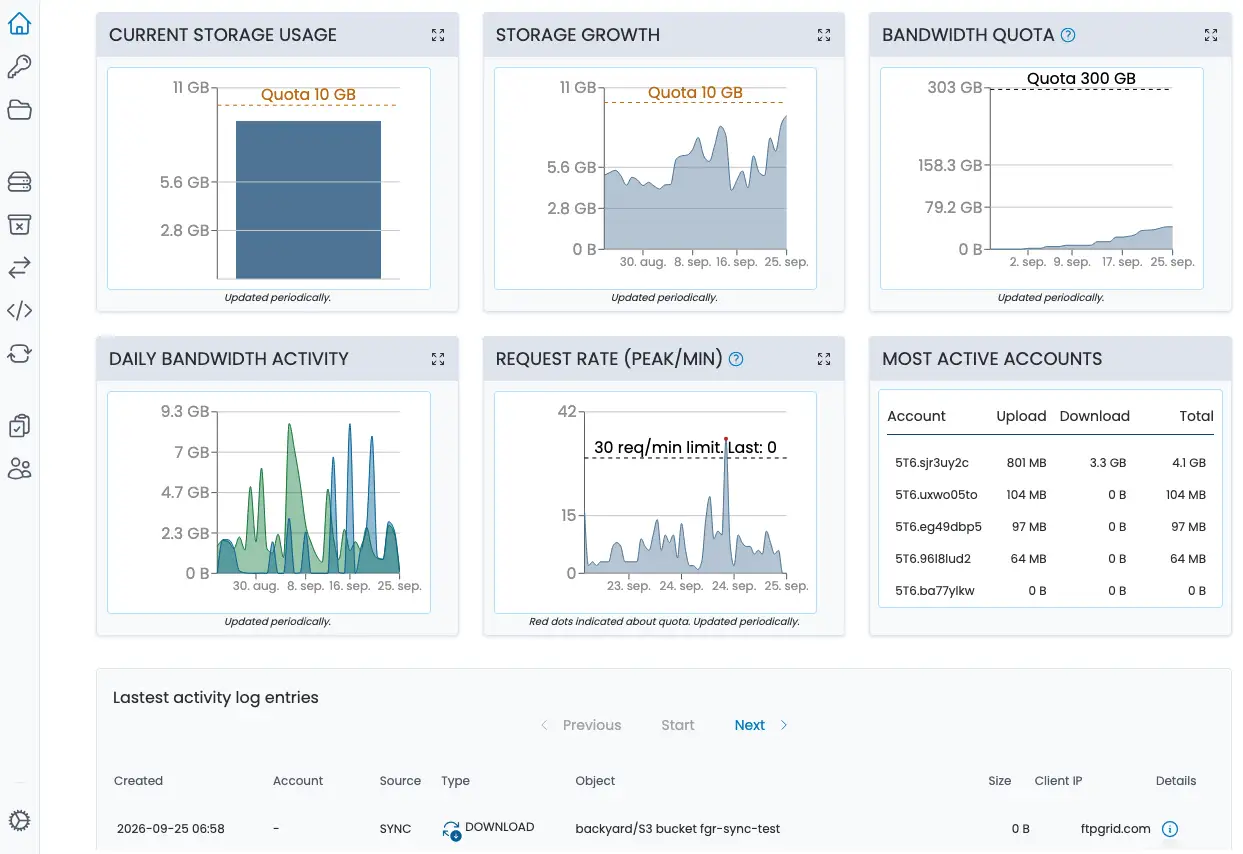
Paid plans start at €19/month for 10 GB of storage. Professional includes 50 GB for €49/month, with larger capacities available on Business and Enterprise. Consider stored data volume, transfer limits, account counts and required automation features when selecting a plan. See pricing and plan limits for details.
Get started with FTP cloud storage
Create your ftpGrid account, configure file transfer access and connect using your preferred client. Start with a directory structure that matches your workflow, then test uploads and downloads before connecting production systems. Follow our cloud FTP setup guide for practical steps.
Explore related storage and file transfer solutions
Trusted by production companies, agencies and growing businesses worldwide
Business use cases for FTP cloud storage
Customer and supplier folders
Organize incoming and outgoing documents in separate directories for each business partner.
ERP and accounting exports
Store invoices, reports and data exports for scheduled collection by other systems.
Application file storage
Give applications a persistent location for generated files and imported data.
Receive files from customers
Collect documents through file transfer accounts or browser-based upload links on supported plans.
Automated file processing
Use incoming files to trigger processing workflows through webhooks on supported plans.
Cloud storage synchronization
Exchange files with supported external cloud storage services using cloud sync.