 ftpGrid menu
A managed file transfer endpoint for your applications and systems
Cloud FTP Server for Business Integrations
Connect your applications, scheduled jobs and business partners to a cloud FTP server without provisioning a virtual machine or installing server software.
ftpGrid provides persistent file storage accessible through FTP, FTPS, SFTP and SCP. Configure credentials, directory access and permissions on supported plans, then connect using your assigned hostname.
Use standard clients and libraries for file transfers, with webhooks, REST API access and cloud synchronization available on supported plans. Paid plans start at €19/month.
Cloud FTP server capabilities
Managed FTP endpoint
Connect existing systems
Use your assigned hostname and account credentials instead of provisioning and maintaining an FTP server.
Account access controls
Separate integration credentials
Configure directory restrictions and read-only or read-write permissions on supported plans.
Standard file transfer protocols
FTP, FTPS, SFTP and SCP
Choose the protocol supported by your application. Prefer FTPS or SFTP for encrypted transfers.
Event-driven integrations
Automate file processing
Use file event webhooks, REST API access and cloud synchronization on supported plans.
How a cloud FTP server works
What is a cloud FTP server?
A cloud FTP server is a network-accessible file transfer service hosted on cloud infrastructure. Applications connect using a hostname, protocol and credentials to upload, list and retrieve files. With ftpGrid, the server software and underlying infrastructure are managed for you, while you configure your accounts and file workflows.
Choose the right connection protocol
| Protocol | Transport security | Typical use |
|---|---|---|
| FTP | Unencrypted | Legacy compatibility |
| FTPS | TLS | Existing FTP integrations requiring encryption |
| SFTP | SSH | Encrypted file transfer and SSH key authentication |
| SCP | SSH | Compatible command-line file copying workflows |
FTP and FTPS use separate control and data connections. Passive mode is commonly used by clients behind firewalls or NAT. SFTP uses an SSH connection instead. Prefer encrypted protocols whenever your systems support them. Explore our cloud FTPS server or managed SFTP server for protocol-specific requirements.
Connect your application to ftpGrid
Create an account, complete onboarding and configure file transfer credentials. Use the hostname, port and username shown in your dashboard. For example, an SFTP connection from a Linux or macOS terminal looks like this:
sftp -P 22 YOUR_USERNAME@YOUR_HOSTNAMEReplace the placeholders with your assigned connection details and verify the server host key before trusting the connection. For SSH key authentication, configure your public key in ftpGrid and keep the private key on your client. Follow the cloud FTP setup guide for the complete onboarding process.
Control access for each integration
Use separate accounts for applications and external partners where your plan allows it. Directory restrictions and read-only or read-write permissions help limit access to the files each integration needs. IP restrictions on supported plans can further limit connections to approved networks.
Automate transfers and downstream processing
Use standard FTP or SFTP libraries to schedule transfers and retrieve files. On supported plans, webhooks notify your applications about uploaded, deleted or renamed files. REST API access enables programmatic file operations, while cloud synchronization connects storage workflows with supported external cloud providers.
Design automated jobs to handle connection failures, retries and duplicate processing. For event-driven workflows, make your webhook consumers idempotent and verify webhook signatures.
Persistent storage behind your FTP endpoint
Files remain available after the transfer session ends, subject to your account limits, retention settings and service terms. Manage files through supported protocols and the browser-based file manager. Learn more about cloud storage with FTP access.
Choose a plan for your workload
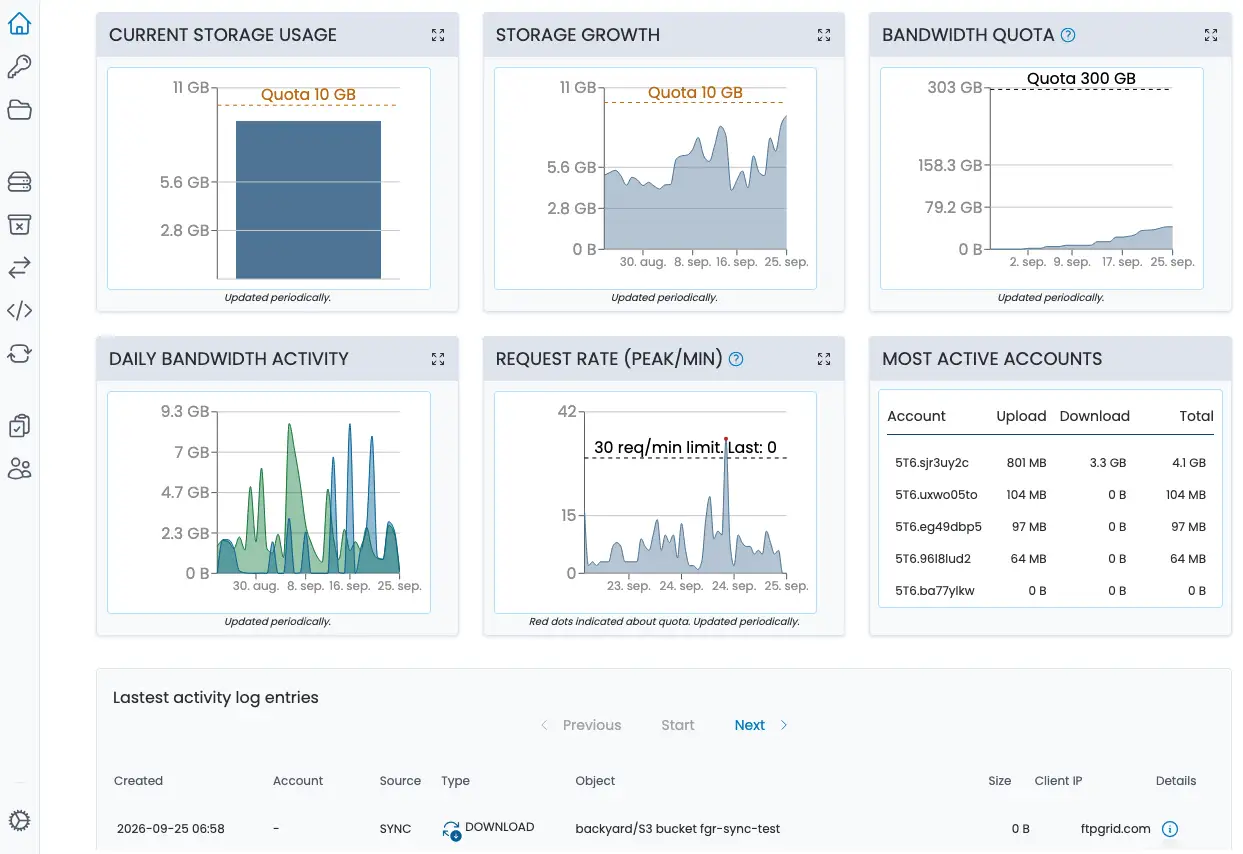
Paid plans start at €19 per month with 10 GB of storage. Compare storage capacity, transfer limits, account limits and integration features on our pricing page. If your priority is replacing an existing server and outsourcing infrastructure operations, explore managed FTP hosting.
Related cloud FTP resources
Trusted by production companies, agencies and growing businesses worldwide
Connect your business systems
ERP and accounting integrations
Exchange scheduled exports, invoices and import files between business systems.
Supplier and partner connections
Provide separate credentials and controlled directory access on supported plans.
Scheduled file transfers
Upload and retrieve files from cron jobs, scripts and integration platforms.
Application file processing
Trigger downstream processing with file event webhooks on supported plans.
Legacy application connectivity
Connect systems that already support FTP or FTPS without replacing their transfer interface.
Business file collection
Receive incoming files in persistent storage for subsequent processing.